Attackers Hijack ScreenConnect Panels to Hit 288 Machines in 90 Minutes: What the SCKit Campaign Means for Anyone Using Remote Support Tools
 Cybergen Cyber NewsCREST-certified security team
|
|
7 min read
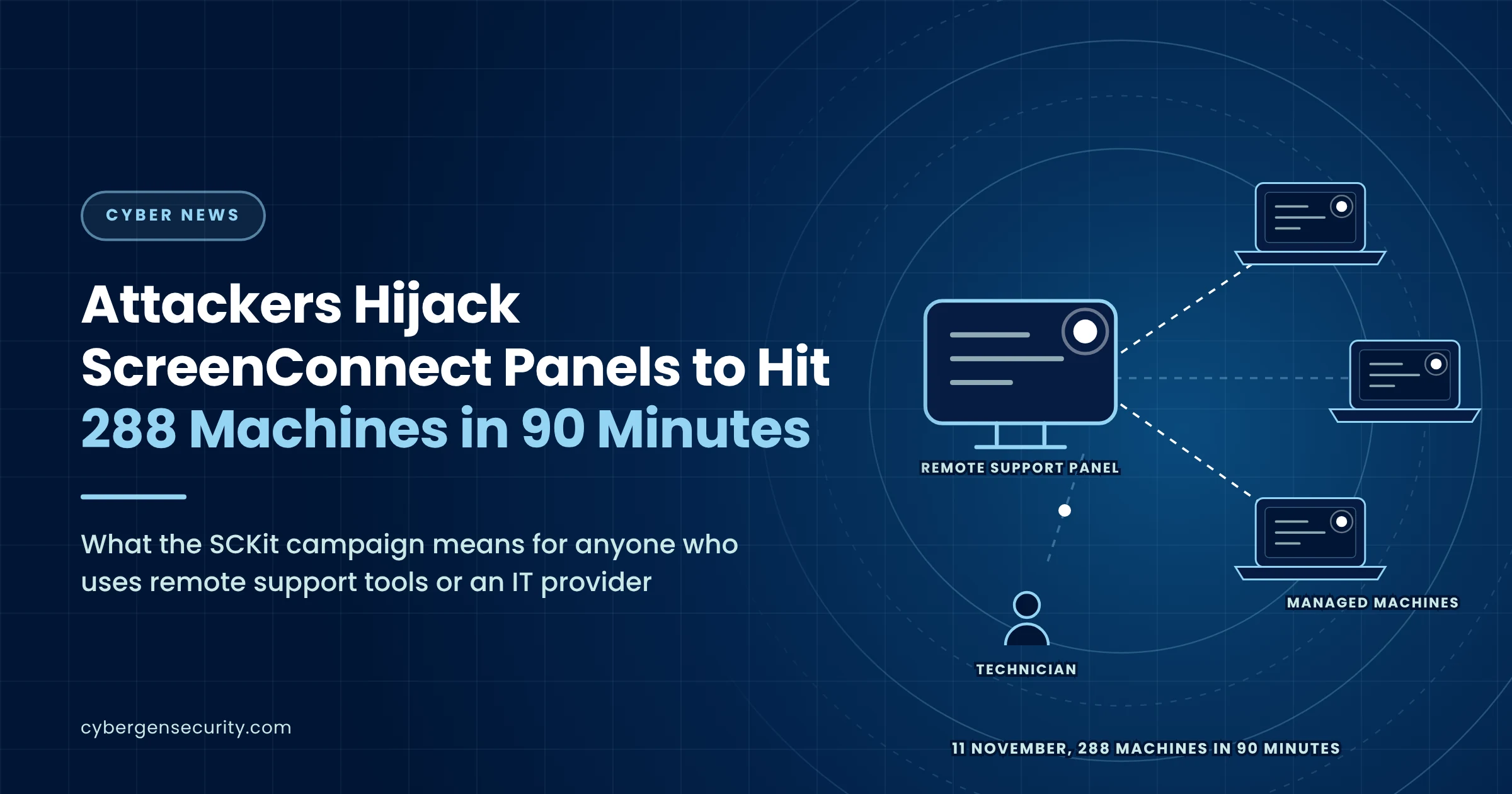
Remote support tools exist so that one technician can reach many machines quickly. On the evening of Wednesday 11 November 2026, an attacker used exactly that ability against the organisations those tools are meant to look after.
Starting at about 17:47 UTC, the attacker used access to several cloud-hosted ConnectWise ScreenConnect panels to send commands to the computers those panels manage. The commands installed an attacker-controlled copy of the ScreenConnect client and a toolkit the security firm Huntress has named SCKit. Huntress counted at least 288 affected machines across 48 organisations that it protects, all within about 90 minutes, with roughly a third hit in the first ten minutes. SecurityWeek reported that at least six managed service providers were involved.
What Happened
The attacker did not need to exploit each computer. ScreenConnect panels include a Run command feature that lets an administrator send a command to a group of managed machines, where it runs with SYSTEM privileges, the highest level on Windows. According to Huntress, the attacker used that feature to check each machine for an existing ScreenConnect client, silently install an attacker-controlled one from a file dropped in the Windows temporary folder, and then fetch a machine-specific copy of SCKit, encrypted with a key tied to that computer's ID.
How the attacker reached the panels is still being confirmed. Huntress says the activity seems to be related to RMM+, a third-party extension for ScreenConnect. Versions 1.0.31 and 1.0.32 accepted a blank access key when an administrator had never set one, and because the extension bypasses ScreenConnect's own user accounts, roles and multi-factor authentication, a blank key could allow commands without logging in. Huntress notes that most RMM+ installations it has seen were legitimate. ConnectWise said in its advisory that it had not identified the initial access vector at the time.
What SCKit Is Built to Do
SCKit is a package of 16 scripts and configuration files. On each machine it sets up a scheduled task called TrapWatch, adds exclusions to Microsoft Defender, installs a second rogue client and compiles a component Huntress calls RelayTrap, which replaces the legitimate ScreenConnect client with the attacker's copy.
The trap is aimed at the people who support the machine. When a technician connects to an infected computer, the toolkit is designed to steal their ScreenConnect session cookie, use it to list the other sessions that technician can reach, and push a payload to them through the panel's shared toolbox, deleting it about a minute later. In principle that would let the attack hop from one customer to the next through the technicians who serve them all.
The good news is that Huntress has not seen that step work. It reconstructed the code but did not observe a successful jump from an infected machine to a technician's workstation, and an attempted console takeover failed in every log it checked. What spread on 11 November was the abuse of the panels' own command feature.
Who Is Affected
The direct victims are organisations whose computers are managed through the affected ScreenConnect panels, most of them customers of managed service providers. Huntress's figures cover only the organisations it protects, so the real total may be higher.
ConnectWise published an advisory at 22:45 UTC on 11 November naming five third-party extensions that may be linked to the activity: Labtech Plus, RMM Plus, RMM+, RMM Plus Password Link and RMM+ Password Link. As a precaution it disabled them across more than 400 partner environments, then disabled RMM+ and related plugins across all hosted environments and urged partners who run ScreenConnect on their own servers to do the same.
This is not the first such incident this autumn. Huntress responded to similar worm-like activity involving rogue ScreenConnect clients in September 2026, around the time ConnectWise patched a separate critical file-transfer flaw.
Why It Matters
Remote monitoring and management tools are among the most powerful pieces of software in any estate. They are trusted by security tools, they run as SYSTEM and they reach every machine at once. That makes the panel, and anything plugged into it, part of your attack surface even if you never log in to it yourself.
Three lessons stand out. Extensions and add-ons deserve the same scrutiny as the platform; here a third-party extension with an unset key appears to have been enough to bypass multi-factor authentication. Speed is the attacker's advantage; 96 machines in ten minutes leaves no time for a human to notice and react, so preventive controls matter more than response. And the people who support you are a target in their own right; a technician who connects to an infected machine to investigate could, in this design, carry the infection onwards.
For organisations that outsource IT, the question is not only whether your own controls are sound but whether your provider's tools could be turned against you, and how quickly you would know.
What To Do Now
If you run ScreenConnect, check for the named extensions. Confirm whether any of the five are installed, disable them and make sure every extension that uses an access key has one set.
Review command and toolbox history. Look through Run Command and Shared Toolbox activity since 11 November for anything you did not expect, and check managed machines for a second, unauthorised ScreenConnect client.
Do not investigate through the same channel. Huntress advises against connecting to a suspect machine through ScreenConnect itself. Use your endpoint detection tool's live response, WinRM or another out-of-band route, and treat any technician workstation that has already connected as potentially exposed.
Clean properly before reconnecting. Isolation alone does not remove persistence. Remove the rogue client, the TrapWatch scheduled task, the C:\ProgramData\RelayTrap folder, related files in the temporary folder and the RelayTrapLiteAlert Run value, after confirming which client is the legitimate one.
End sessions and rotate credentials. Terminate active ScreenConnect web sessions, rotate affected credentials and revoke browser and identity provider sessions for technicians.
If you use an IT provider, ask them directly. Ask whether they use ScreenConnect and these extensions, what they have checked since 11 November and how they would tell you if their tools were used against you. Our guide to third-party cyber risk covers the wider questions.
Watch for remote access tools you did not approve. Keep an inventory of the remote management tools allowed in your estate and alert when a new one, or a second instance of an approved one, appears.
How Cybergen Can Help
Cybergen's 24/7/365 managed detection and response watches for unexpected remote access tools and the activity that follows them, at any hour. Our third-party and supply chain risk management service helps you understand what your IT providers can do in your environment, and our incident response service can help if you think you have been affected.
Frequently Asked Questions
What happened in the SCKit campaign?
On 11 November 2026, from about 17:47 UTC, an attacker used access to several cloud-hosted ConnectWise ScreenConnect panels to send commands to the machines those panels manage. The commands installed an attacker-controlled ScreenConnect client and a toolkit Huntress calls SCKit. Huntress counted at least 288 affected machines across 48 organisations it protects, all within about 90 minutes.
How did the attacker get into the panels?
Huntress says the activity appears to be related to RMM+, a third-party ScreenConnect extension. Versions 1.0.31 and 1.0.32 accepted a blank access key where an administrator had never set one, and the extension bypasses ScreenConnect user accounts, roles and multi-factor authentication. ConnectWise said in its advisory that it had not yet identified the initial access vector.
What has ConnectWise done?
ConnectWise published an advisory on the evening of 11 November and, as a precaution, disabled five third-party extensions (Labtech Plus, RMM Plus, RMM+, RMM Plus Password Link and RMM+ Password Link) across more than 400 partner environments. It later disabled RMM+ and related plugins on all hosted environments and urged partners running ScreenConnect on their own servers to do the same.
Did the worm spread from machine to machine?
Not as far as Huntress has seen. SCKit contains code designed to steal a technician's session cookie when they connect to an infected machine, and then push a payload to other sessions that technician can reach. Huntress reconstructed this code but has not observed it working, and an attempted console takeover failed in every log it checked. What spread was the abuse of the panels' own command feature.
We use an IT provider. What should we ask them?
Ask whether they use ScreenConnect and any of the five named extensions, whether they have reviewed Run Command and Toolbox history since 11 November, whether they have checked managed machines for a second, unexpected ScreenConnect client, and whether they have ended active web sessions and rotated credentials. Ask too how they would tell you if their own tools were used against you.
Sources
- Huntress: SCKit worm installs rogue ScreenConnect clients and session cookie relays across hundreds of endpoints (11 November 2026)
- SecurityWeek: Hackers deploy malware in fresh ScreenConnect campaign (12 November 2026)
- IT Security Guru: Huntress uncovers SCKit, rogue ScreenConnect toolkit hits 288 hosts in 90 minutes (12 November 2026)
- GBHackers: New SCKit worm targets ConnectWise ScreenConnect (12 November 2026)
CREST-certified consultants with over 100 years of combined experience in threat intelligence, penetration testing, MDR and compliance.