How to Choose a Managed Detection and Response Provider: A UK Buyer's Guide
 Cybergen InsightsCREST-certified security team
|
|
11 min read
Cybergen InsightsCREST-certified security team
|
|
11 min read
The breach that hurts most is often not the attack nobody saw. It is the alert that arrived at 2am on a Saturday and sat in an inbox until Monday morning.
That gap, between something being detected and someone doing something about it, is exactly what managed detection and response (MDR) is meant to close. It is also why choosing an MDR provider matters so much. On paper, many services look alike: round-the-clock monitoring, expert analysts, advanced detection. In practice, the difference between them only shows up at the worst possible moment.
This guide is written for UK organisations evaluating MDR for the first time, or reviewing a service that is not delivering. It covers what good MDR includes, the single difference that matters most, how MDR compares with building your own security operations centre, ten questions to ask every provider and the red flags to watch for before you sign.
What Good MDR Includes: People, Platform and Response
MDR is a service, not a product. You are buying an outcome: threats in your environment are found quickly, investigated properly and stopped before they turn into a crisis. Delivering that outcome takes three things working together.
Three parts that only work together
Experienced analysts and threat hunters on shift every hour of the year, who know what normal looks like in your environment.
Telemetry from endpoints, identity, email, cloud and network, correlated so related alerts become one incident instead of fifty.
The authority and the tooling to act: isolate a device, disable an account, revoke a session, then see remediation through.
People
Technology raises alerts. People decide what they mean. A good MDR service has experienced analysts on shift at all times, not just an on-call engineer who is woken when something looks serious. They should also hunt proactively, searching for signs of attackers who have not yet triggered an alert, using current intelligence about the groups targeting your sector.
Platform
Analysts can only respond to what they can see. Modern attacks rarely stay on one device. A typical intrusion might start with a phishing email, move to a stolen password, then to a cloud application and only later touch a laptop. MDR that watches endpoints alone will miss most of that story. Look for coverage across endpoints, identity, email, cloud and network, with the signals correlated so that fifty related alerts become one incident with a clear timeline.
Response
This is where services differ most, and it deserves its own section.
Alerting vs Responding: The Difference That Matters Most
Some services marketed as MDR are, in practice, alerting services. They detect something, add a severity rating and send it to you. Everything after that is your problem: investigating, deciding, containing and cleaning up. If your team is small, busy or asleep, that is not much help.
A genuine detection and response service acts. Within authority you agree in advance, analysts isolate a compromised device, disable an account, revoke active sessions, block malicious infrastructure and remove the changes an attacker made. Then they help you understand what happened and how to stop it happening again.
The scenario below shows why it matters. The detection is identical. The outcome is not.
The same alert, two very different weekends
Alerting only
- Suspicious sign-in to a finance mailbox from an unfamiliar country
- Alert generated and emailed to the IT inbox
- Attacker creates an inbox rule to hide replies
- Someone opens the alert email and starts to investigate
Detection and response
- Suspicious sign-in to a finance mailbox from an unfamiliar country
- Analyst correlates it with an impossible travel pattern
- Sessions revoked, password reset, inbox rule removed
- Incident summary waiting for your team, with next steps
Illustrative example only. Times show how the difference between alerting and responding plays out, not measured results.
By Monday morning in the first scenario, an attacker has had a full weekend inside a finance mailbox, with a rule hiding the evidence. That is long enough to study payment processes, impersonate a colleague and redirect an invoice. In the second, the account was secured within minutes and the team starts Monday with a short report rather than a crisis.
When you speak to providers, ask them to walk you through exactly this kind of incident, step by step and hour by hour. The answers will tell you more than any brochure. Our comparison of MDR and EDR explains where the technology ends and the service begins.
MDR vs Building an In-House SOC
The alternative to MDR is building your own security operations centre. For some organisations that is the right answer. For most, it is a much bigger undertaking than it first appears.
Round-the-clock cover is the hardest part. Watching for threats every hour of every day means enough skilled analysts to cover nights, weekends, holidays, training and sickness, plus the tooling, intelligence feeds, playbooks and management to make them effective. The NCSC's guidance on building a SOC is a useful reminder that there is no one-size-fits-all model, and that the operating model has to be designed around your threats, assets and resources.
Two routes to round-the-clock detection
Many organisations use a hybrid: an internal security lead working with an MDR provider.
A hybrid model is increasingly common: an internal security lead who owns risk and priorities, working with an MDR provider that delivers continuous detection and response. It gives you control without the burden of staffing a 24-hour operation. Our guide to SOC as a service for smaller businesses explores this in more detail.
Ten Questions to Ask Every Provider
Use the same questions with every provider you speak to, and ask for answers in writing. Tick the ones each provider answers clearly to build a simple scorecard you can compare side by side.
Ten questions to ask every provider
Tick each question the provider answered clearly and convincingly. Nothing is sent or stored.
Pay particular attention to the second question. Response authority is the heart of an MDR contract. The best arrangements let you choose: some organisations want the provider to contain immediately, others want a call first for certain systems, and many start cautiously and widen authority as trust grows. What matters is that it is agreed in writing before an incident, not negotiated during one.
It is also worth asking how the provider will learn your environment. Good onboarding covers your critical systems, normal working patterns, key contacts and the actions that would cause business disruption. Without that context, even skilled analysts will make slower, more cautious decisions.
Red Flags to Watch For
Most disappointing MDR relationships show warning signs early. Watch for these during evaluation:
If every incident ends with an email to you, you have bought monitoring, not MDR.
"We will contain where appropriate" is not a plan. Ask exactly what they will do, and when.
Many attacks start with a stolen password or a malicious inbox rule. Identity, email and cloud need watching too.
If you cannot reach a person who knows your environment, context will be lost when it matters most.
Thousands of events blocked tells you nothing. You need to know what happened, what was done and what to fix.
Long minimum terms, no exit plan and unclear data ownership make it hard to leave a service that is not working.
Do not let a slick demonstration distract from these basics. A dashboard can look impressive while the service behind it does very little at 2am. Ask for references from organisations of a similar size and sector, and ask those references what happened during their last real incident.
Finally, be wary of any provider that cannot explain its service in plain English. If a sales conversation is full of jargon, incident reports will be too, and your board will struggle to understand the risk it is carrying.
Making the Final Decision
Once you have shortlisted two or three providers, a few practical steps help separate them:
- Run a tabletop scenario. Give each provider the same realistic incident and ask them to talk through their response. Our tabletop exercises use the same approach to test leadership teams.
- Read a sample report. Would your board understand it? Would your IT team know what to do next?
- Check the onboarding plan. It should name data sources, owners and dates, and explain what is covered at each stage.
- Agree response authority before you sign. Put it in the contract, not just the proposal.
- Plan the exit. Know how your data, detections and history come back to you if you ever move on.
The right provider should feel like an extension of your team: people who know your environment, act decisively within the limits you set and tell you plainly what happened and what to fix.
How Cybergen Can Help
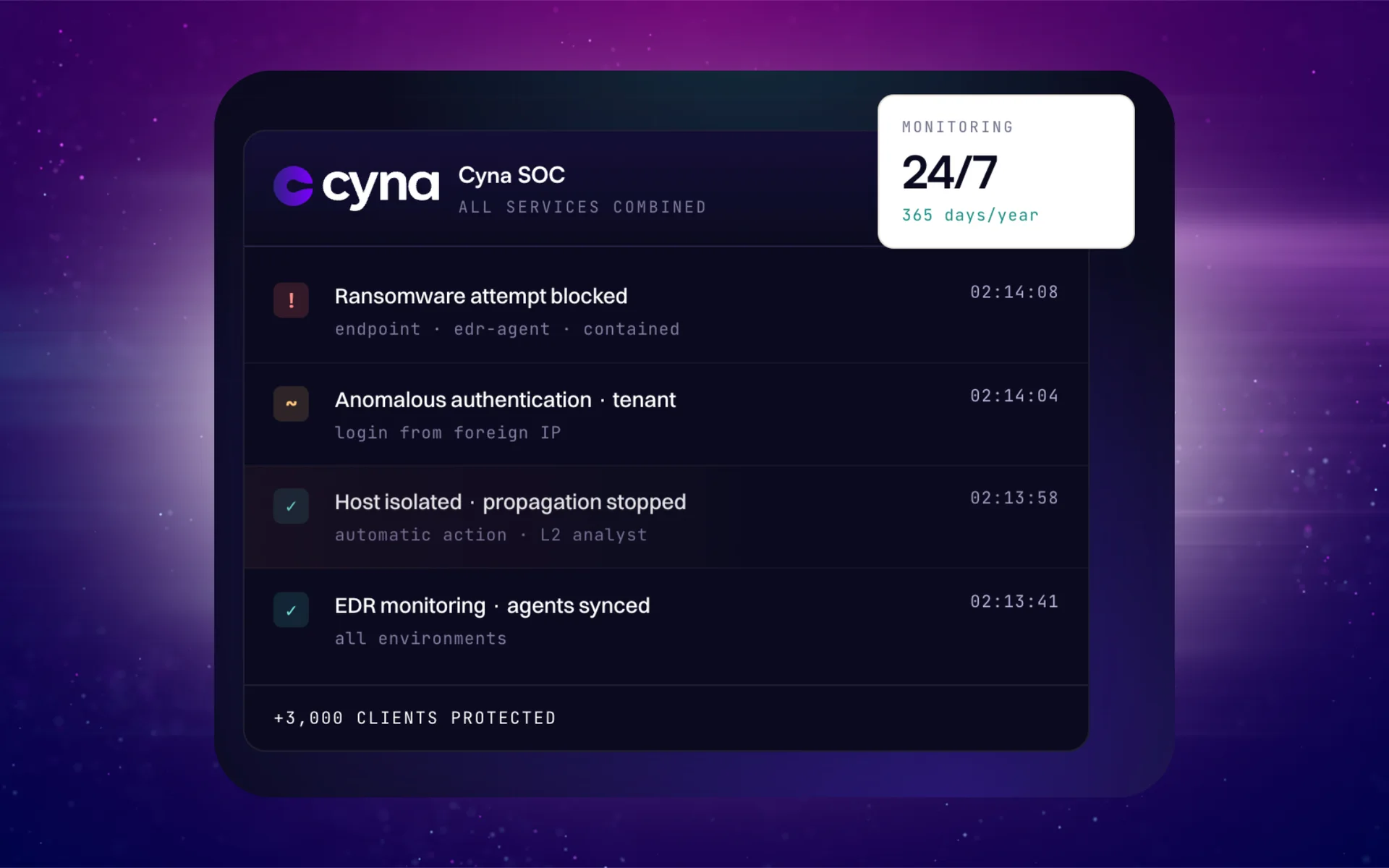
Cybergen's 24x7x365 managed detection and response is built around the principle at the centre of this guide: we do not just alert you, we act. AI-assisted triage groups and enriches signals in seconds, and experienced analysts investigate, contain and see each incident through to remediation.
- Coverage across endpoints, identity, cloud, email and network, alongside our endpoint detection and response
- Response authority agreed during onboarding, with options to notify, approve or contain immediately
- Threat hunting informed by our cyber threat intelligence
- A clear route into our incident response service when an incident needs more
- Plain-English incident reports and regular service reviews
We are happy to be measured against the ten questions above. Speak to our team and ask us any of them.
Frequently Asked Questions
Is MDR right for an SME?
Often, yes. Smaller organisations face the same attacks as large ones but rarely have the people to watch for them around the clock. MDR gives them continuous monitoring and expert response without building a security operations centre. The key is choosing a provider whose service and onboarding are sized for your environment rather than adapted from an enterprise model.
Does MDR include incident response?
It should include response, but the depth varies widely. Some providers only alert you. Good MDR contains threats directly within agreed authority, for example by isolating a device or disabling an account, and supports remediation. Larger incidents may still need a full incident response engagement, so check where MDR ends and incident response begins, and whether both come from the same team.
What is the difference between MDR and EDR?
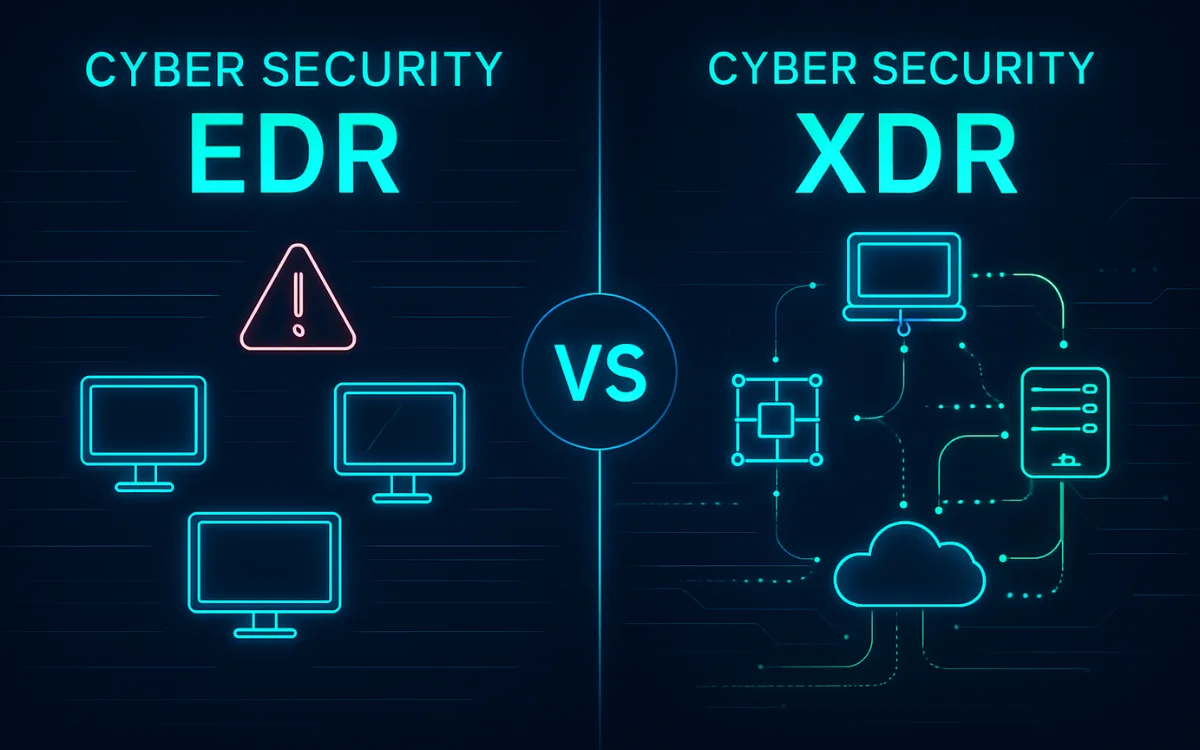
EDR, endpoint detection and response, is a technology that records and detects activity on laptops and servers. MDR is a service: people and processes that watch those signals, and others from identity, email, cloud and network, investigate them and respond. EDR is often one of the data sources an MDR service relies on.
Will MDR replace our IT team?
No. MDR takes on round-the-clock detection, investigation and first response for security threats. Your IT team still runs systems, applies fixes and makes business decisions. The best results come when the two work together with clear contacts, escalation routes and agreed authority.
How long does it take to get MDR up and running?
It depends on how many systems and data sources need to be connected and how quickly access can be granted. A good provider gives you a written onboarding plan with dates, starts with the highest-value sources such as endpoints, identity and email, and tells you clearly when coverage is live.
CREST-certified consultants with over 100 years of combined experience in threat intelligence, penetration testing, MDR and compliance.