DMARC, SPF and DKIM Explained: Stop Attackers Spoofing Your Domain
 Cybergen InsightsCREST-certified security team
|
|
11 min read
An email lands in your finance team's inbox. It comes from your managing director's real address, matches her usual tone and asks for a supplier payment to be pushed through before the end of the day. Nothing about the sender looks wrong, because as far as most email systems are concerned, nothing is.
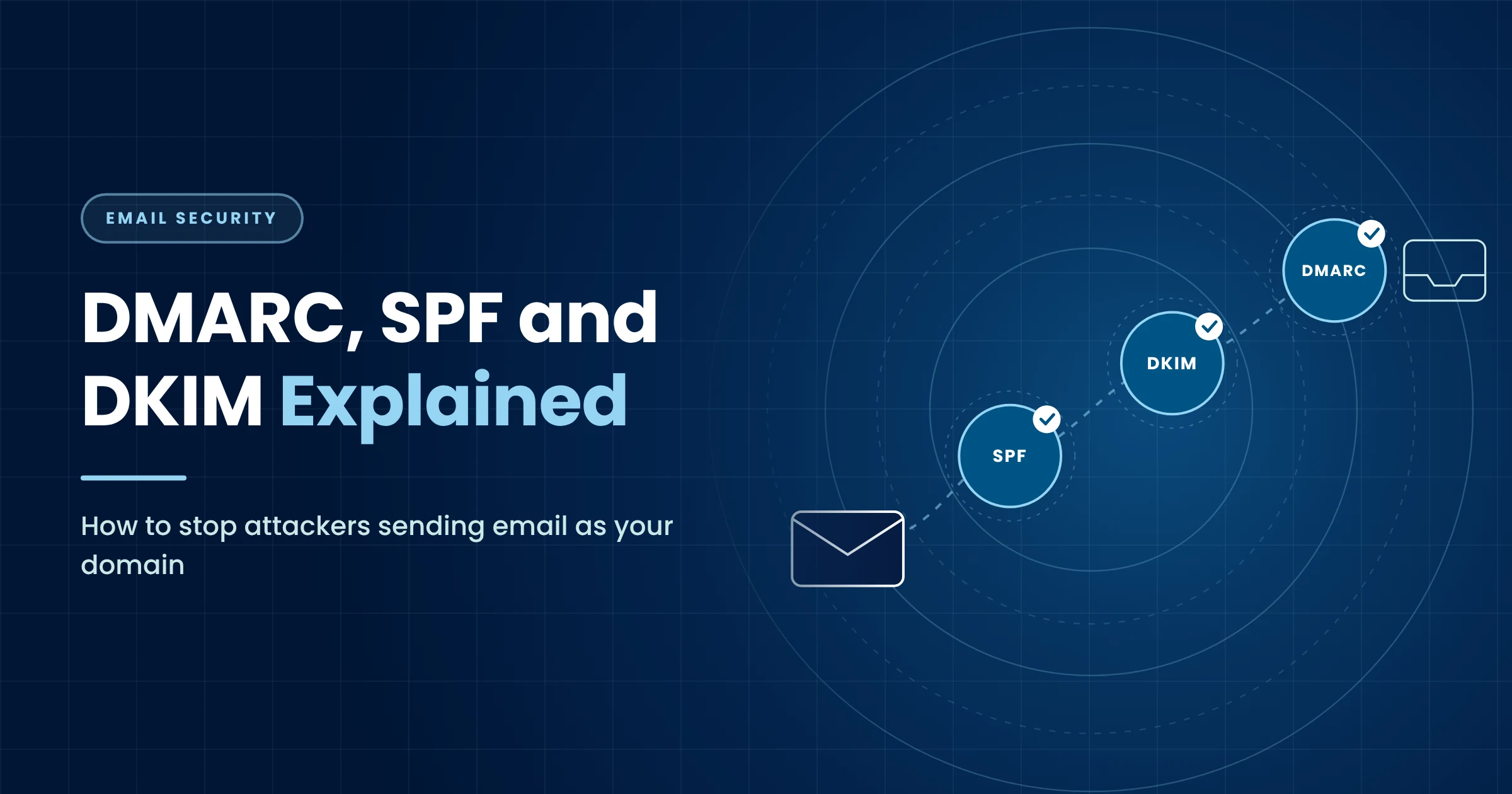
Email was designed in an era of trust. The address in the From line is just text, and anyone with a mail server can type yours. Three standards exist to fix that: SPF, DKIM and DMARC. Together they let receiving mail systems check whether a message really came from you, and tell them what to do when it did not.
This guide explains each one in plain English, how they work together and how to move safely to a policy that rejects spoofed mail, without blocking your own invoices and newsletters on the way.
Why Domain Spoofing Still Works
Spoofing your exact domain is one of the most effective tricks in an attacker's kit, because it borrows your reputation. Staff, customers and suppliers have learned to trust messages from your domain. A spoofed message inherits that trust for free.
It keeps working for three reasons. First, many domains still have no DMARC policy, or have one set to monitor only, which gives receivers no instruction to block anything. Second, organisations often send email through a surprising number of services, such as marketing platforms, CRMs, billing systems and HR tools, and fear that tightening controls will break one of them. Third, it is easy to set up records once and never look at them again, so they drift out of date as services come and go.
The result is a gap attackers know how to find. Checking whether a domain enforces DMARC takes seconds, and those that do not are easy targets for invoice fraud, credential phishing and impersonation of senior staff. If you want to know what these messages look like on arrival, our guide to spotting a phishing email in five seconds is a good companion to this one.
SPF, DKIM and DMARC in Plain English
The three standards each answer a different question. None of them is enough on its own. Together, they give receivers a reliable way to decide whether a message claiming to be from you is genuine.
SPF: Who Is Allowed to Send
Sender Policy Framework is a DNS record listing the servers and services allowed to send email for your domain. When a message arrives, the receiving server checks whether it came from one of them.
Think of it as a guest list on the door. It is simple and widely supported, but it has two weaknesses. It checks the hidden envelope sender, not the From address people actually see, and it breaks when mail is forwarded, because the forwarding server is not on your list. SPF also has a hard limit of ten DNS lookups, which organisations with many sending services hit more often than they realise.
DKIM: Proof the Message Was Not Changed
DomainKeys Identified Mail adds a digital signature to each message. Your mail service signs outgoing email with a private key, and you publish the matching public key in DNS. The receiver uses it to confirm the message came from a system holding your key and was not altered on the way.
DKIM is like a tamper-evident seal. It survives forwarding much better than SPF, which makes it the more reliable of the two. Its weakness is that a message can carry a valid DKIM signature from any domain, including one the attacker owns.
DMARC: Tying It to the Name People See
DMARC closes the gaps. It checks that at least one of SPF or DKIM passes and that the domain it passed for lines up with the From address the recipient sees. This is called alignment, and it is what stops an attacker using their own domain's SPF or DKIM to vouch for a message wearing your name.
DMARC does two more things. It tells receivers what to do with mail that fails, through your policy, and it asks them to send you reports showing who is sending email as your domain. Those reports are the secret to getting this right.
What the receiving server checks before your message lands
- @Message arrivesFrom: [email protected], sent by your own mail service
- SPFIs this server allowed to send for the domain?Yes. The sending IP is listed in your SPF record.PASS
- DKIMIs the digital signature valid?Yes. It matches the public key published in your DNS.PASS
- DMARCDoes a passing check line up with the From address?Yes. Aligned with your domain, so the message is trusted.PASS
Simplified. Receivers also weigh reputation and content, but these three checks are the foundation.
Moving From Monitor to Quarantine to Reject
A DMARC policy has three settings. The aim is to reach reject, the setting the NCSC recommends for domains that send email. The way to get there safely is in stages, guided by the reports.
Choose a DMARC policy and see what happens to spoofed mail
v=DMARC1; p=none; rua=mailto:[email protected]
Spoofed mail is still delivered, but you receive reports showing every service sending as your domain. The right place to start, and the wrong place to stay.
Start with p=none and a reporting address. For a few weeks, collect the aggregate reports that receivers send back. They are machine-readable files, so most organisations use a reporting tool to turn them into something a person can read. You are looking for every service that sends email as your domain, and whether each one passes SPF, DKIM or both with alignment.
This is where the surprises usually appear: a payroll service sending payslips, an old marketing account nobody remembered, a scanner in the office that emails PDFs. Each needs to be set up to sign with DKIM as your domain or added to SPF, or switched off if it is no longer needed.
When the reports show your genuine mail passing consistently, move to quarantine. Older guidance suggested phasing this in with the percentage (pct) tag, but the current DMARC standard, RFC 9989, published in May 2026, drops that tag and newer receivers ignore it, so do not rely on it. Instead, give quarantine a few weeks of clean reports. When it runs cleanly, move to reject.
Monitor, quarantine, then reject
Stage 1: Monitor
- Publish p=none with a reporting address
- Read the aggregate reports for several weeks
- List every service that sends as you
- Fix SPF and DKIM for each one
Stage 2: Quarantine
- Move to p=quarantine
- Watch for genuine mail landing in junk
- Fix any sender that slips through
Stage 3: Reject
- Move to p=reject once reports are clean
- Protect parked and unused domains too
- Keep monitoring as new services appear
Do not forget domains you own but never send email from. Parked domains are favourite tools for spoofing because nobody watches them. A simple SPF record that allows no senders and a DMARC reject policy protect them at almost no cost.
Common Mistakes That Break Legitimate Email
Most of the fear around DMARC comes from stories of genuine email going missing. In almost every case, the cause is one of a handful of avoidable mistakes:
- Jumping straight to reject. Without weeks of monitoring, you will block a service you did not know existed. Invoices and password resets are usually the first casualties.
- Too many SPF lookups. Every include in an SPF record can trigger more lookups. Go over ten and SPF fails for everyone, even legitimate senders.
- Two SPF records. A domain must have exactly one. Adding a second for a new service, instead of merging, breaks SPF entirely.
- Third parties sending without DKIM. Marketing and CRM platforms often send with their own domain's signature by default. Without your own DKIM set up, those messages fail DMARC alignment.
- Nobody reading the reports. A reporting address that goes to an unmonitored mailbox gives you none of the benefit.
- Forgetting subdomains. Subdomains inherit your policy unless you set one for them, which can surprise teams using a subdomain for a new system.
Major mailbox providers have also raised the bar. Since February 2024, Google and Yahoo have required bulk senders, those sending around 5,000 or more messages a day to their users, to authenticate with SPF and DKIM and publish a DMARC policy. Microsoft introduced similar rules for Outlook.com, Hotmail and Live addresses in May 2025. If your newsletters or notifications have started landing in junk, missing authentication is often why.
Use the health check below to see where your domain stands.
Ten signs your email authentication is in good shape
Tick each item that is true for your main domain.
Nothing you tick is sent or stored.
What Email Authentication Does Not Stop
DMARC at reject is one of the most valuable controls an organisation can put in place for its domain. It is also important to understand its limits, so it is not mistaken for complete protection against phishing.
- Lookalike domains. An attacker can register a domain one letter different from yours and set up perfect SPF, DKIM and DMARC for it. Your policy only protects your own domain. Monitoring for lookalike registrations helps.
- Compromised accounts. If an attacker takes over a real mailbox, at your organisation or a supplier's, their messages pass every check, because they genuinely come from that domain. Strong identity security and phishing-resistant MFA are the defence here.
- Display name tricks. A message from a free email account with your chief executive's name in the display name passes authentication for its own domain. Mail filtering and staff awareness have to catch it.
- Malicious content. Authentication confirms who sent a message, not whether its links and attachments are safe.
That is why email authentication works best as part of a layered approach: authentication to protect your domain, filtering to catch malicious content, and people who know what to look for, supported by security awareness training and phishing simulations. As AI makes phishing more convincing, as covered in our AI phishing and deepfake fraud briefing, closing the easy routes matters more than ever.
How Cybergen Can Help
Getting to reject is rarely difficult technically. It takes patience, the right reporting and someone who has done it before. We help organisations with:
- Email security reviews covering SPF, DKIM and DMARC across all your domains, including parked ones
- DMARC report analysis to find every service sending as you and fix each one
- A staged plan to reach reject without disrupting genuine email
- Phishing simulations and awareness training to cover what authentication cannot stop
- 24/7 managed detection and response to spot account takeover and suspicious mailbox activity
If you are not sure whether your domain can be spoofed today, get in touch. We will check your records and tell you plainly where you stand.
Frequently Asked Questions
Will DMARC stop all phishing?
No. DMARC stops attackers sending email that claims to come from your exact domain. It does not stop lookalike domains, compromised supplier accounts or phishing sent from free email services. It removes one of the most convincing tricks, so other defences and staff awareness can focus on the rest.
Do I need DMARC if I use a cloud email provider?
Yes. Cloud email platforms can sign your mail with DKIM and give you SPF settings, but they do not publish a DMARC policy for your domain. Only the domain owner can do that, and without it, receivers have no instruction on what to do with mail that fails the checks.
What does a DMARC policy of p=none actually do?
It asks receivers to take no special action on failing mail, but to send you reports. It gives you visibility without any risk to genuine email. It does not protect you from spoofing on its own, so treat it as the first stage, not the finish line.
How long does it take to reach p=reject?
It depends on how many services send email as your domain. A small organisation with one mail platform can move in weeks. Larger organisations with many marketing, finance and HR tools often take a few months, because each sender needs to be found and fixed first.
Do the Google, Yahoo and Microsoft sender rules apply to us?
They apply to anyone sending around 5,000 or more messages a day to their consumer mailboxes, which includes many newsletters, notifications and invoicing systems. Even below that level, Google and Yahoo require every sender to use SPF or DKIM, and authenticated mail is far less likely to be junked.
Sources
- NCSC: Email security and anti-spoofing
- NCSC: Reject spoof emails
- IETF RFC 7208: Sender Policy Framework (SPF)
- IETF RFC 6376: DomainKeys Identified Mail (DKIM) Signatures
- IETF RFC 9989: DMARC, replacing RFC 7489 (May 2026)
- Google: Email sender guidelines
- Yahoo: Sender best practices
- Microsoft: Outlook's new requirements for high-volume senders (from 5 May 2025)
CREST-certified consultants with over 100 years of combined experience in threat intelligence, penetration testing, MDR and compliance.