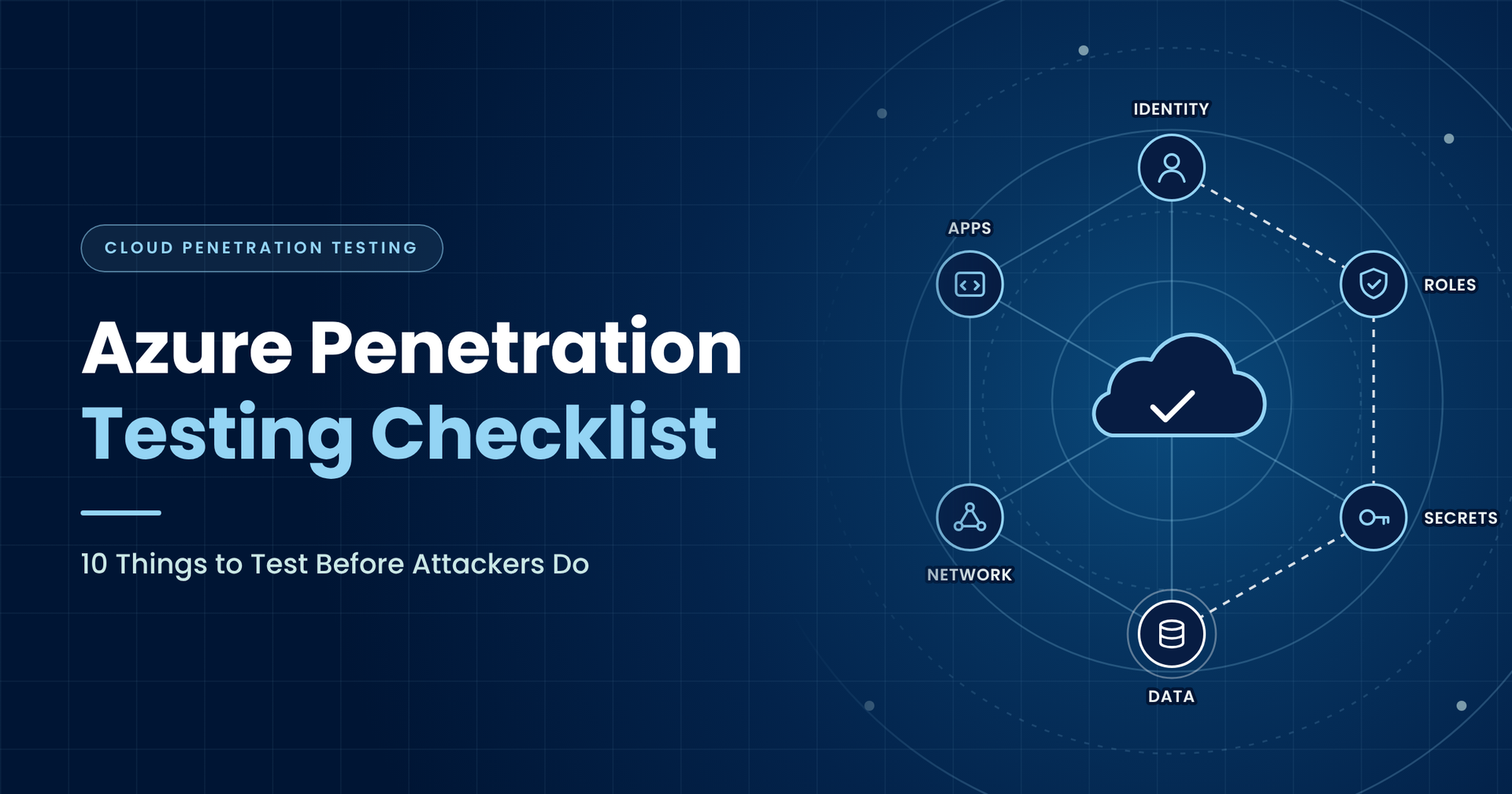
Azure Penetration Testing Checklist: Find the Gaps Before Attackers Do
October 26, 2026

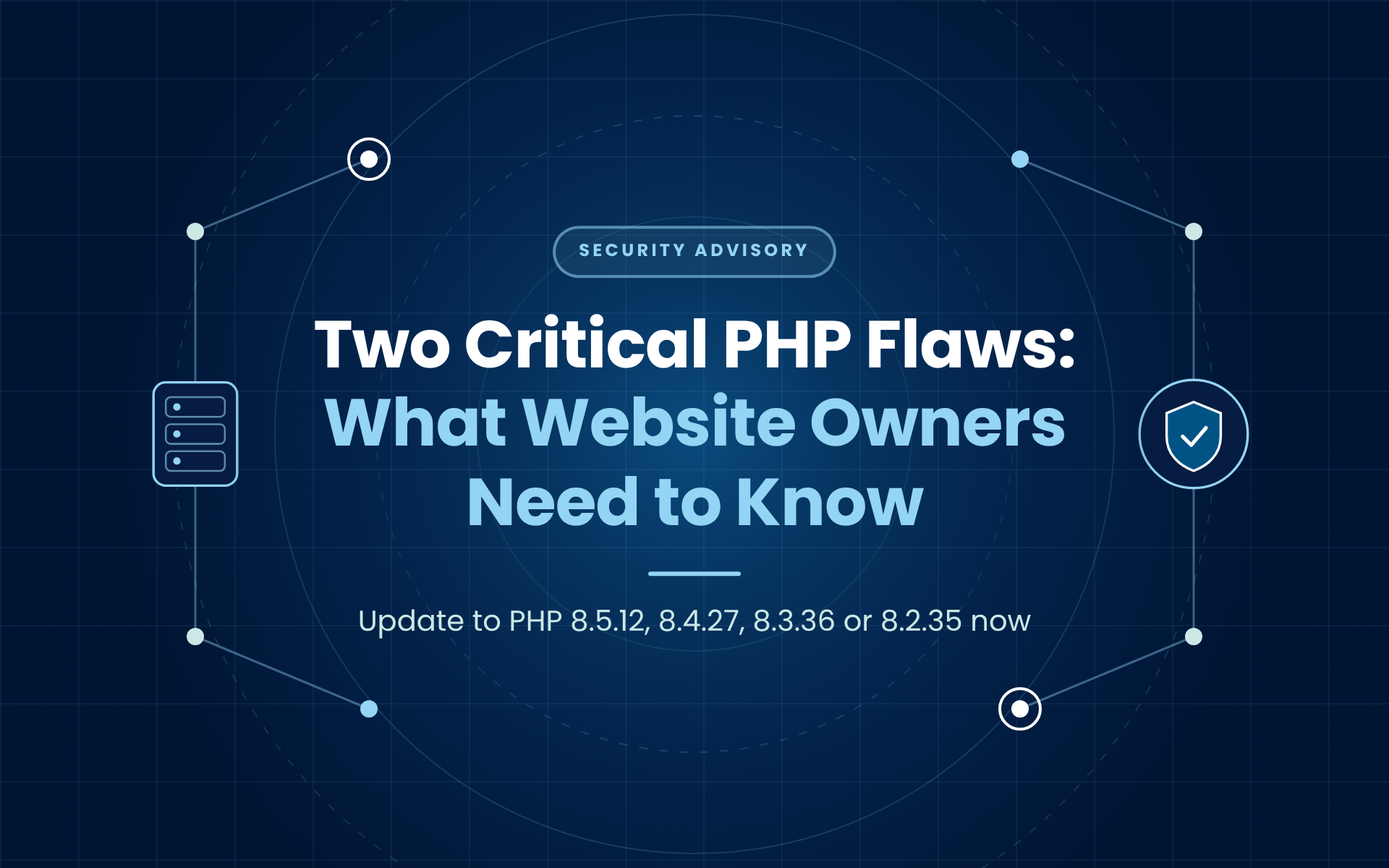
If your site runs PHP Update to at least Notes
8.5 8.5.12 Current release line
8.4 8.4.27 Supported
8.3 8.3.36 Supported
8.2 8.2.35 Final year of security fixes
8.1 or older No official update See the section on older versions below
Introduction
Your Azure environment can look secure on paper while still offering a route to sensitive data. An application works, access policies exist, and dashboards show reassuring results. Yet one overlooked identity, unnecessary permission or exposed service can connect systems that were supposed to remain separate.
That is the question an Azure penetration test should help you answer: what could someone actually reach if a user account, application or workload were compromised?
For IT managers, security leaders and business owners, the challenge starts before testing. You need to commission an assessment that covers your real environment, produces useful evidence and leaves your teams with a practical remediation plan.
This Azure penetration testing checklist explains what to include, how to prepare and what to ask your provider. Use it to move the conversation beyond a list of tools and towards the business systems you need to protect.
What is Azure penetration testing?
Azure penetration testing is an authorised assessment of applications, identities and resources deployed in Microsoft Azure. Testers examine agreed security boundaries and validate weaknesses to establish their potential impact.
The scope might include internet-facing applications, APIs, virtual machines, storage, identity permissions and connections to other environments. The right combination depends on your architecture and objectives.
A vulnerability scan can help identify known issues. A configuration review can highlight settings that deserve attention. A penetration test adds controlled validation: can the identified weaknesses be used, individually or together, to achieve an agreed objective?
For example, discovering a broadly privileged application identity is useful. Establishing that it can reach a customer database gives the organisation a much clearer reason to act.
1. Start with a business question
Before collecting resource names, decide what the assessment needs to establish. “Test Azure” is too broad to guide meaningful work or compare proposals.
Better questions include: could an external user access another customer's records? Could a compromised development account affect production? Could an application identity retrieve secrets beyond its intended purpose?
Choose a small number of objectives linked to important services, sensitive information or operational dependencies. Explain which outcomes would cause the greatest disruption.
This also helps define success. Your provider should be able to describe the evidence they will collect, the boundaries they will examine and the limitations that could prevent a definitive answer.
Bring application owners into this discussion early. They can explain workflows and dependencies that an infrastructure inventory alone may miss.
2. Map the scope before testing begins
A list of public IP addresses rarely describes an entire Azure environment. Resources can sit behind applications, rely on shared identities or connect to services outside the subscription being reviewed.
Build an agreed inventory covering:
- Tenants, subscriptions and resource groups.
- Applications, APIs, domains and public endpoints.
- Storage, databases and secret-management services.
- Relevant user accounts and workload identities.
- Hybrid connections and third-party dependencies.
- Production, development and test boundaries.
Mark exclusions clearly. If identity testing, application testing or internal access paths are excluded, the final report should explain what that means for the conclusions.
Agree whether the assessment starts without credentials, with a standard user account or with specific application access. Each starting point answers different questions. Avoid assuming that one approach covers every likely scenario.
3. Agree authorisation and operating boundaries
Written authorisation should identify the resource owner, the approved provider and the systems included. Document testing windows, emergency contacts, evidence handling, permitted activity and stop conditions.
Microsoft says Azure penetration testing does not require its pre-approval. However, customers and authorised testers must follow its published rules, and third-party testers need explicit written permission from the resource owner. Check the current Microsoft penetration testing guidance and its linked rules of engagement before starting.
Plan how unexpected events will be handled. Who can pause the assessment? What happens if a critical weakness is found? Who decides whether additional validation is appropriate?
These decisions should already be settled when testing begins. Clear operating boundaries help the assessment stay useful and controlled, particularly where production services support customers or time-sensitive business processes.
4. Put identity at the centre
An Azure environment contains people, applications and automated workloads with different access needs. Include those identities in the assessment rather than treating authentication as a separate concern.
Microsoft Entra ID provides identity and access management for users, applications and resources. Your testing scope should explain which relevant identity controls and relationships will be examined.
Ask your provider to review privileged access, guest accounts, authentication policies and the separation between everyday and administrative accounts. Include realistic scenarios involving an approved test user or workload identity.
The useful finding is an explained access path: which identity has access, how it obtained that access, which boundary it can cross and what the consequence would be.
Keep this connected to business context. A dormant account with unnecessary access to a sensitive system deserves a clear owner and remediation decision.
5. Examine permissions precisely
Role names are a starting point. The assessment should examine effective permissions, assignment scope, inheritance and the resources an identity can influence.
Ask whether broad access is justified, whether custom roles match their purpose and whether development identities can affect production workloads. Review workload permissions alongside human access.
Technical accuracy matters here. Microsoft's standard Contributor role allows resource management but does not permit Azure RBAC role assignment. Owner includes that capability. Reports should distinguish these permissions instead of assuming every broad role can directly grant itself more access. See Microsoft's built-in role definitions.
Where a tester identifies a potential escalation path, ask for the specific permissions and conditions involved. Your team needs enough detail to fix the actual problem without removing access that a business service legitimately requires.
6. Include applications and APIs
A secure cloud configuration does not establish that your application enforces the correct business rules. Include application testing where customer portals, internal systems or APIs form part of the risk being assessed.
Define checks for authentication, session handling, user permissions, administrative functions, input validation and sensitive workflows. Provide approved test accounts representing different roles or customers.
For a customer portal, a clear objective is whether one customer can access another customer's information. For an internal application, it might be whether a standard employee can perform an administrative action.
Explain expected behaviour to the tester. Business logic is difficult to assess without understanding who should be allowed to do what.
Agree how application findings will be reported to developers, including the affected workflow, supporting evidence and the conditions needed to reproduce the issue safely.
7. Review storage, secrets and data access
Identify where sensitive information lives and which identities should be able to reach it. Include relevant storage services, databases, application settings, deployment configuration and secret stores.
Ask whether the assessment covers unintended public exposure, excessive data permissions and credentials present in locations where they do not belong. Consider whether development and production secrets are separated appropriately.
Define how testers may demonstrate access. In many cases, agreed sample records or purpose-built test files can provide sufficient evidence without collecting large amounts of business information.
The report should distinguish between seeing a resource, reading its contents and changing or deleting data. Those outcomes carry different consequences.
For every finding, identify the data owner and the service owner. Remediation may require coordinated changes to an application, an identity and the underlying resource configuration.
8. Check network exposure and separation
Establish which services are reachable from the internet and from other parts of your environment. Compare that exposure with the intended architecture.
Include public endpoints, administrative interfaces, network rules and connections between workloads. Pay particular attention to boundaries around production, sensitive data and management services.
Useful questions include:
- Does each public service have a documented business purpose?
- Can a lower-trust workload reach a critical system?
- Are management interfaces restricted appropriately?
- Do development and production remain separated?
- Are assumptions about private connectivity actually validated?
Ask the provider to connect exposure with impact. A reachable service is a useful observation, but the report should explain whether it creates a meaningful route to an agreed objective.
Record architecture discrepancies so the responsible team can correct both the configuration and the documentation.
9. Cover deployment pipelines and workload identities
Automated deployment systems often need meaningful access to create or update resources. Include them where they form part of the authorised scope.
Review the identities used by build and deployment processes, the environments they can affect and the approvals separating development changes from production releases.
Ask whether secrets are handled appropriately, whether obsolete credentials remain active and whether a single automation identity has accumulated unrelated permissions.
Use a practical scenario: if an approved test identity associated with a development pipeline were compromised, what could it change elsewhere?
The assessment should establish the relevant boundary without disrupting releases. Coordinate testing with engineering teams and agree which workflows can be exercised.
Assign findings to the people who maintain the pipeline. A generic recommendation to reduce permissions is less useful than identifying the specific access that exceeds its intended purpose.
10. Validate monitoring with your security team
Agree selected test activities that should generate useful security evidence. Decide whether the security team will know the schedule or whether a limited detection exercise is appropriate.
Afterwards, compare the test timeline with the records available to investigators. Were relevant events collected? Did alerts reach the right team? Could analysts identify the account, resource and activity involved?
Include gaps in visibility and response ownership alongside the technical findings. A correctly routed alert can still be ineffective if nobody knows who should act on it.
Keep expectations proportionate. A penetration test only validates the activities actually performed under the agreed conditions.
Use the results to improve monitoring scenarios, investigation guidance and communication between cloud administrators, application owners and the security operations team.
11. Prepare people, access and evidence handling
Good preparation gives testers more time to assess meaningful risks. Confirm account access, named contacts, application walkthroughs and the availability of the people who understand critical services.
Prepare a concise pack containing the scope, architecture, test accounts, known restrictions and escalation process. Explain scheduled releases or maintenance that may affect results.
Agree how evidence will be stored, transferred and deleted. Specify who can receive the report and how urgent findings will be communicated.
Check operational readiness too. The responsible teams should understand recovery arrangements for the systems involved and the procedure for stopping activity if service behaviour changes unexpectedly.
Avoid making undocumented changes simply to prepare for the assessment. If configuration changes are necessary, record them so everyone understands which environment the final results describe.
12. Demand a report your teams can use
Agree the deliverables before commissioning. A useful report should help executives understand exposure while giving technical teams enough information to investigate and remediate findings.
For each issue, request the affected resource or identity, supporting evidence, business impact, relevant conditions and a clear remediation recommendation. Ask the provider to identify connected weaknesses where they form a single access path.
The executive summary should explain the most significant outcomes and decisions required. The technical sections should identify what was tested, what was excluded and where confidence is limited.
Ask how findings will be discussed with your teams. A walkthrough can resolve misunderstandings and help separate urgent containment from longer-term improvements.
The final handover should leave you with a manageable action plan, named owners and agreed priorities.
13. Make remediation and retesting part of the plan
Reserve time and budget for fixing the findings. Without ownership and follow-up, even a detailed assessment can become another report waiting in a shared folder.
Assign an accountable owner, a target date and an appropriate validation method to each action. Where several teams are involved, nominate one person to coordinate the outcome.
Prioritise using business impact, exposure, required conditions and existing controls. Record any accepted risks and the person responsible for that decision.
Agree the retest arrangements with your provider. Establish which findings are included, how evidence will be reviewed and whether related access paths will be checked after changes.
Use the results to improve the way you build and operate Azure. Repeated permission or deployment issues may point to a process that needs attention across several services.
Questions to ask when comparing providers
Before choosing a provider, ask them to walk through a proposed assessment using one of your business objectives. Their explanation should connect the starting access, the systems involved, the evidence required and the practical limits of testing.
Ask who will perform the work and what relevant Azure experience they bring. Request a suitably anonymised sample report so your technical and management teams can judge whether the deliverables will be useful.
Clarify how the provider handles changes in scope. If testing reveals a dependency outside the agreed boundary, there should be a clear process for discussing it before additional activity takes place.
Finally, establish what happens after delivery. Will the tester explain findings to engineers? Can you ask clarification questions during remediation? Is retesting included, and when must it be completed?
These conversations make proposals easier to compare. They also expose gaps between an attractive service description and the assessment your organisation actually needs. Put the agreed answers into the engagement documentation so expectations remain clear from the initial planning meeting through to the final review and closure.
Frequently asked questions
How much does Azure penetration testing cost?
Pricing depends on the scope, complexity, starting access, application coverage, reporting and retesting required. Ask providers to explain their assumptions and exclusions. Compare proposals against the same objectives, rather than comparing a configuration review with a broader assessment that also includes application and identity testing.
How often should an Azure environment be tested?
Set a schedule based on risk, change and any applicable contractual requirements. Consider additional testing after significant application releases, identity redesigns, acquisitions or architecture changes. A previous test describes the environment and conditions examined at that time; important changes can justify fresh validation before the next scheduled assessment.
Is a configuration review enough?
A configuration review is useful for examining settings against agreed expectations. Penetration testing can add evidence about whether weaknesses create usable access paths. Select the combination that answers your business questions, and ask the provider to explain clearly what each element can establish and where its limitations remain.
Turn your checklist into a useful assessment
The strongest Azure assessment starts with a clear question and finishes with verified improvements. Scope the identities, applications and resources that support your important services.
Agree on operating boundaries, collect meaningful evidence and give remediation owners the support to act.
For background on the risks behind these checks, read our guide to Azure penetration testing attack vectors.
Ready to plan your next assessment? Contact Cybergen to discuss your Azure environment, business priorities and testing scope. Bring this checklist to the conversation so you can agree the questions your assessment needs to answer.
Ready to strengthen your security posture? Contact us today for more information on protecting your business.
Let's get protecting your business
Thank you for contacting us.
We will get back to you as soon as possible.
By submitting this form, you acknowledge that the information you provide will be processed in accordance with our Privacy Policy.
Please try again later.
Cybergen News
Sign up to get industry insights, trends, and more in your inbox.
Contact Us
Thank you for subscribing. It's great to have you in our community.
Please try again later.
SHARE THIS