
Approved, Warned or Blocked: A 90-Day Plan to Bring Shadow AI Under Control


October 9, 2026

Introduction

Your employees have already chosen their AI tools. They chose them months ago, often on a personal account, usually with good intentions and almost never with a security review. The question for security leaders is no longer whether shadow AI exists in your organisation. It is whether you know which tools are in use, what data is flowing into them, and what those tools are now allowed to do on your behalf.


In September 2026 the UK's National Cyber Security Centre warned that nearly three-quarters of employees (71%) report using AI tools their employer has not approved (NCSC). At the same time, Gartner's survey of 1,600 CISOs ranked enabling and protecting AI as the number one security priority for 2026, ahead of managing cyber risk and optimising security tools (Evanta). Protiviti's research adds that 32% of leaders see the data required for AI use as their primary AI-related concern (Protiviti).


Put those findings together and the picture is clear. Shadow AI is no longer a policy footnote or an acceptable use problem for HR. It is a board-level data exposure that sits squarely with the CISO.


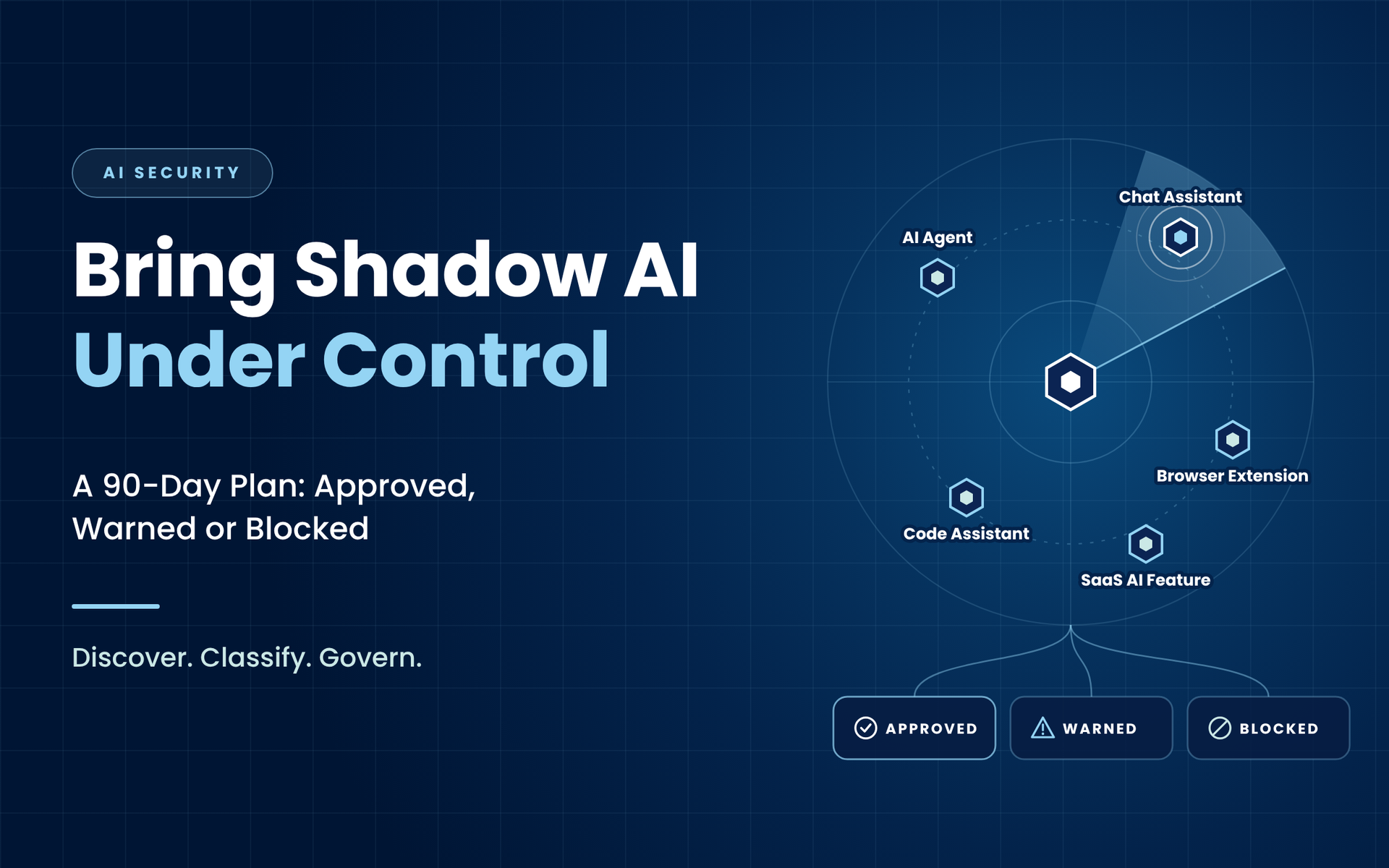
Blocking everything does not work. Staff route around bans using personal phones and home laptops, and the business loses the productivity gains it is already paying for. The answer is a structured programme that sorts every AI tool into one of three lanes: approved, warned or blocked. This guide sets out how to build that programme in 90 days, what to report to the board, and the mistakes to avoid along the way.

What Shadow AI Looks Like in 2026

When most people hear "shadow AI" they picture an employee pasting text into a public chatbot. That still happens, but it is now only one part of the problem. In a typical enterprise, unapproved AI shows up in at least six forms:


  • Consumer chat assistants used through a browser on a personal or free account, with no enterprise data protection terms.
  • AI features switched on inside approved SaaS. Many collaboration, CRM and design platforms have added generative features that process your data with new sub-processors. They often arrive through a routine product update, not a procurement decision.
  • Browser extensions that summarise pages, rewrite emails or record meetings. Many request permission to read and change data on every website the user visits.
  • AI agents and copilots connected to mailboxes, calendars, file stores and ticketing systems through OAuth grants or API keys.
  • Developer tools such as code assistants and model APIs called from scripts, which can send proprietary source code, secrets and customer data outside the organisation.
  • Locally run models downloaded onto endpoints, which bypass network controls entirely and may come from untrusted sources.


Each of these needs a slightly different discovery method and a different control. That is why a single policy statement rarely changes behaviour on its own.

Why Shadow AI Is Different from Shadow IT

Security teams have dealt with shadow IT for over a decade, so it is tempting to treat shadow AI as more of the same. It is not. Three differences change the risk profile.


Data leaves in the prompt. With shadow IT, the concern was usually where files were stored. With shadow AI, the concern is what users type, paste and upload. Contracts, source code, customer records, M&A plans and board papers are routinely shared with consumer tools that may retain them, use them to improve the service, or expose them through a later breach. The NCSC highlights exactly this: sensitive information shared with consumer AI services may be stored or used outside corporate security controls.


AI agents act, not just answer. A chatbot returns text. An agent sends emails, books meetings, updates records and moves files. To do that, it is granted tokens and permissions that often exceed what the user would be allowed through normal access reviews. In practice, AI agents are a new class of non-human identity, and most organisations have no inventory of them.


The attack surface is new. AI systems are complex software, and the NCSC notes they contain flaws attackers can exploit to reach data and corporate systems. Prompt injection, malicious plugins, poisoned extensions and insecure integrations give attackers fresh routes in. A compromised extension with access to every page a finance user visits is a far more dangerous foothold than an unapproved file-sharing account.

The Business Risks Security Leaders Need to Frame

Boards and executives respond to business impact, not technical detail. When you make the case for a shadow AI programme, frame the risk in five areas:


  1. Confidentiality and IP loss. Trade secrets, unreleased product information and source code leave the organisation with no contractual protection.
  2. Regulatory exposure. Personal data processed by an unvetted AI provider may breach data protection obligations on lawful basis, international transfers and processor contracts. Sector regulators in financial services, healthcare and the public sector add their own expectations.
  3. Contractual breach. Many client contracts restrict how confidential data may be processed and by whom. A consultant pasting a client report into a free AI tool can put the whole relationship at risk.
  4. Decision integrity. Outputs from unvetted tools find their way into reports, code and customer communications without review, creating quality and liability issues.
  5. Account and access compromise. Over-permissioned agents and extensions create new paths for attackers into email, file stores and business systems.

Why Blanket Bans Fail

Some organisations respond by blocking every AI domain at the proxy. It feels decisive, but it usually makes the problem harder to see. Staff who rely on AI to keep up with their workload move to personal devices and mobile data, where you have no visibility at all. The business also loses the efficiency gains that its leadership is often publicly committed to.


The NCSC's guidance points in a different direction: build a positive security culture, understand why people use shadow AI, and provide secure, approved alternatives that meet real needs. The aim is to reduce risk, not to pretend AI use can be eliminated. A lane-based model does exactly that.

The Three-Lane Model

Every AI tool you discover should end up in one of three lanes, each with a clear meaning and a defined set of controls.

Lane Meaning Typical controls
Approved Enterprise licence, contractual data protections, SSO, admin controls Full access, DLP monitoring, logging, periodic review
Warned Allowed for low-risk use, with a warning before sensitive data is shared Access allowed, real-time warning prompts, DLP blocks on classified data
Blocked Unacceptable data terms, high-risk permissions or untrusted source Web and app blocking, OAuth grant revocation, extension removal

The model works because it gives staff a clear answer and a legitimate route. People are far more likely to follow a policy that tells them which tools they can use than one that only lists what is forbidden.

Days 1 to 30: Discover What Is Really in Use

You cannot govern what you cannot see. The first month is about building an evidence-based register, not running a staff survey. Surveys tell you what people are willing to admit. Telemetry tells you what is happening.


  1. Network and cloud telemetry. Pull AI-related domains and applications from your secure web gateway, CASB, firewall and DNS logs. Most security platforms now include an AI application category, which makes this faster.
  2. Identity and OAuth grants. Audit third-party application consents in Microsoft 365, Google Workspace and other core platforms. Look for AI apps with mail, file, calendar or directory scopes, and note which users granted them.
  3. Endpoint inventory. List browser extensions across managed devices and check for locally installed model runtimes and AI desktop applications.
  4. SaaS feature review. For your top 20 business applications, check whether AI features are enabled, what data they process, and which sub-processors are involved.
  5. Finance records. Review expense claims and corporate card transactions for AI subscriptions bought outside procurement.
  6. Developer activity. Scan code repositories and pipelines for calls to model APIs and for API keys committed to code.
  7. Conversations with teams. Ask department heads what problems AI is solving for them. The NCSC recommends understanding why staff turn to shadow AI, because the answer tells you which approved tools you need to provide.

The output of this phase is a single register showing each tool, its users, the business purpose, the data types involved and the permissions granted. Expect it to be longer than anyone predicted. That finding alone is often enough to secure executive sponsorship for the next two phases.

Days 31 to 60: Classify, Decide and Control

With a register in place, score each tool against a short, consistent set of criteria.


Keep the assessment light enough that it can be repeated quickly for new tools.


Six questions cover most of the risk:


  • Does the provider retain prompts and outputs, and for how long?
  • Is customer data used to train or improve models, and can that be switched off contractually?
  • Where is data hosted and processed, and does that meet your data transfer obligations?
  • Does the tool support SSO, MFA and enterprise administration?
  • What permissions does it request, and are they proportionate to the task?
  • What is the most sensitive data users are actually putting into it?


Then place each tool in a lane and apply the matching controls. Three control areas deserve particular attention at this stage.


Extend data loss prevention to AI destinations. Most DLP policies were written for email and file sharing. Update them to inspect uploads and pasted content going to AI services, block classified data, and show warning messages for tools in the warned lane. Warning prompts are especially effective because they educate users at the moment of risk without stopping their work.


Treat AI agents as privileged identities. Every agent, copilot and integration should have a named human owner, a documented purpose, the minimum scopes it needs and an expiry or review date. Revoke grants that are dormant, over-scoped or owned by people who have left. This is the same discipline you apply to service accounts, and it closes one of the fastest-growing gaps in identity security.


Consolidate onto approved tools. Where several teams are using different tools for the same task, agree an enterprise option with proper data protections and move users onto it. Consolidation reduces risk and cost at the same time, which makes it an easy decision for finance.

Days 61 to 90: Make It Sustainable

Controls decay without governance. New tools appear every week, and existing tools add new features without notice. The final month is about building the operating rhythm that keeps the programme current.


  • Publish a one-page AI acceptable use standard. Name the approved tools, explain when users will see a warning, and state clearly which data types must never enter any AI tool. Keep it short enough that people will read it.
  • Create a fast-track request process. If assessing a new AI tool takes three months, staff will not wait. Aim for a decision in days for low-risk requests, using the same six questions from the classification phase.
  • Assign ownership. Agree who owns AI risk decisions across security, legal, data protection and the business. An AI governance group that meets monthly is usually enough.
  • Update incident response. Add AI-specific scenarios to your playbooks, including sensitive data leaked through a prompt, a compromised AI agent, and a malicious browser extension. Make sure the team knows how to revoke tokens and request data deletion from providers.
  • Train for the moment of use. Short, practical guidance on safe prompting and data handling works better than annual compliance modules. Focus on the teams handling the most sensitive data first.
  • Schedule continuous discovery. Re-run the discovery checks monthly so the register stays accurate.

Governing AI Agents Specifically

Agentic AI deserves its own attention because it is moving faster than most governance frameworks. Gartner's June 2026 guidance warns that, with AI agents and machine workloads proliferating, traditional role-based access controls are no longer sufficient (Gartner).


Practical steps for security teams include:


  1. Maintain a dedicated inventory of agents, their owners, their connected systems and their permission scopes.
  2. Require human approval for high-impact actions such as sending external email, making payments or deleting records.
  3. Log agent actions in a way your SOC can search and correlate with user activity.
  4. Test agents for prompt injection before connecting them to sensitive systems, particularly where they read untrusted content such as inbound email or web pages.
  5. Set short token lifetimes and review grants quarterly, just as you would for privileged human users.

What to Report to the Board

Boards want trends and decisions, not tool lists. Report four measures each quarter:


  1. Number of AI tools discovered, and the percentage now governed in the approved or warned lanes.
  2. Sensitive data events blocked or warned at AI destinations, and whether the trend is falling.
  3. AI agents with privileged access, and the percentage with a named owner and a current review.
  4. Average time to assess a new AI tool request.


Together, these show that security is enabling AI adoption safely rather than standing in its way. That is exactly the positioning Gartner's research suggests CISOs are now measured on, with driving growth ranked as their top enterprise-wide priority.

Common Mistakes to Avoid

  • Starting with policy instead of discovery. A policy written without data rarely matches how people actually work.
  • Ignoring AI features inside approved platforms. Some of your largest exposures may come from tools you already trust.
  • Treating agents as applications rather than identities. Agents need owners, scopes and reviews.
  • Making the approval process slower than the workaround. If the legitimate route is harder than the shadow route, shadow use will continue.
  • Measuring blocks rather than outcomes. The goal is safe adoption, not the number of domains on a deny list.

FAQs

What is shadow AI?

Shadow AI is the use of AI tools, features or agents by employees without the approval or oversight of the organisation's IT and security functions.


Should we block public AI tools completely?

No. Blanket blocking pushes use onto personal devices, where you have no visibility. A lane-based approach with approved alternatives and data loss prevention reduces risk more effectively.


How long does it take to get shadow AI under control?

Most organisations can build a reliable inventory, apply core controls and set up sustainable governance within 90 days, then improve continuously from there.

Summary

Cybergen helps organisations worldwide discover shadow AI, extend data loss prevention to AI services, govern AI agent access and build AI governance that keeps pace with adoption. Our consultants combine AI security expertise with practical experience in identity, data protection and incident response, so your programme protects the business without slowing it down.


If you want a clear view of your AI exposure within weeks, speak to our consultants about an AI security assessment.

Ready to strengthen your security posture? Contact us today for more information on protecting your business.


Let's get protecting your business

Disaster Recovery

Keep your data secure and protected at all times.


Cybergen News

Sign up to get industry insights, trends, and more in your inbox.

Contact Us

SHARE THIS

Latest Posts

Blue security assessment slide titled “Beyond the Questionnaire” with vendor verification graphics
October 13, 2026
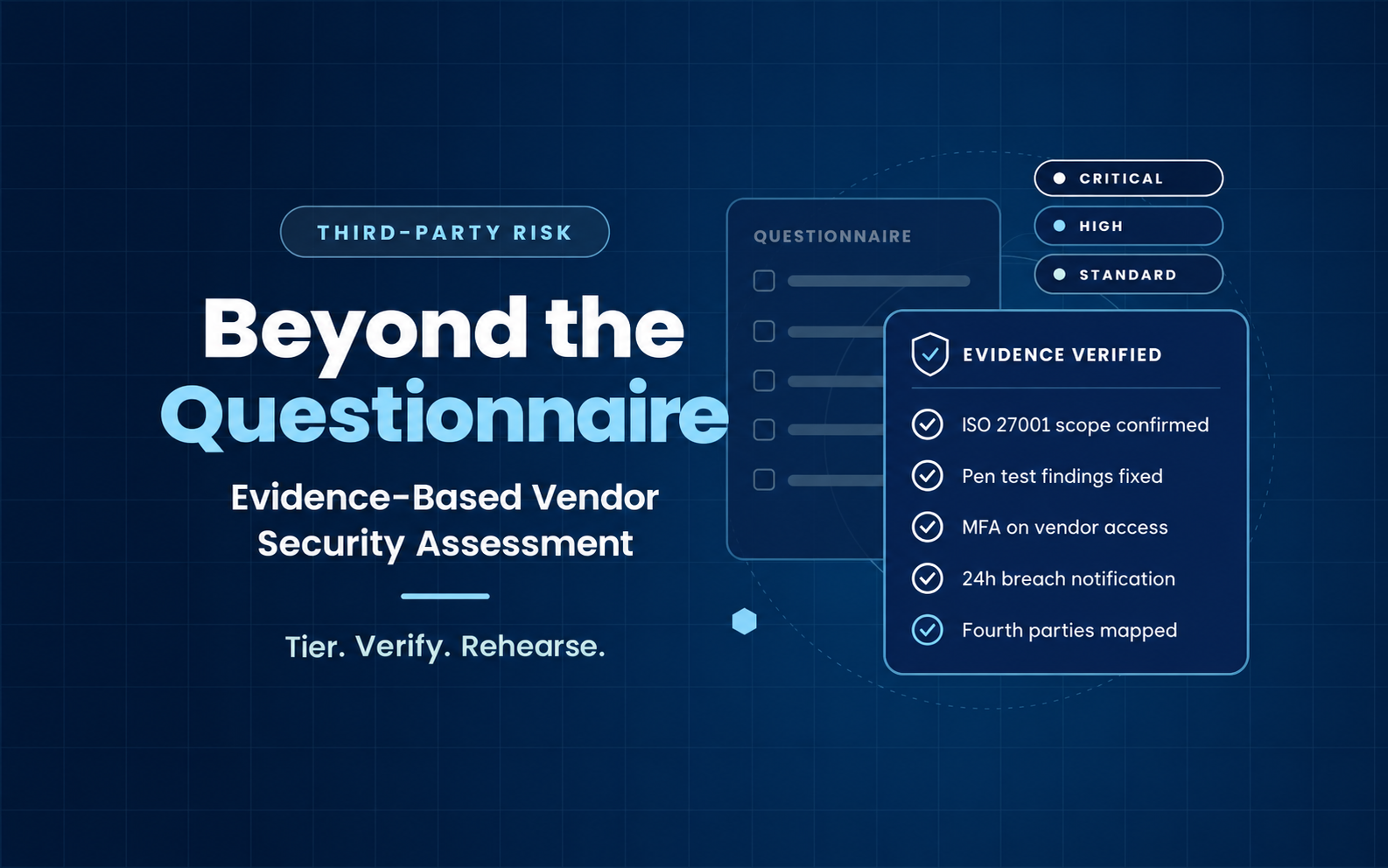
Vendor questionnaires create paperwork, not assurance. Learn how CISOs can tier suppliers, verify security evidence and rehearse a vendor breach before it happens.
Blue cybersecurity slide reading “Can You Actually Restore? A Cyber Recovery Testing Playbook for Security Leaders”
October 6, 2026
Backups are not a recovery plan until you have tested them under attack conditions. A practical playbook for CISOs to test, measure and evidence ransomware recovery.
Infographic on STIX and TAXII explained, with blue network diagram and labeled threat intelligence flow icons
October 3, 2026
What are STIX and TAXII? Learn how these open standards structure and share cyber threat intelligence, and how your SOC can use them to detect threats faster.
Blue tech-themed slide titled “How to Build a Cyber Threat Intelligence Program You Will Actually Use”
October 2, 2026
A practitioner's guide to building a cyber threat intelligence program: intelligence requirements, collection, analysis, SOC integration, metrics and a roadmap.
Cyber risk graphic with blue digital network background and text: “Your Supplier List Is Not a Resilience Plan.”
September 29, 2026
Learn how global enterprises can map supplier dependencies, find shared points of failure and strengthen third-party cyber risk management.
CyberGen dark blue dashboard with a central hooded avatar and security stats panel
September 28, 2026
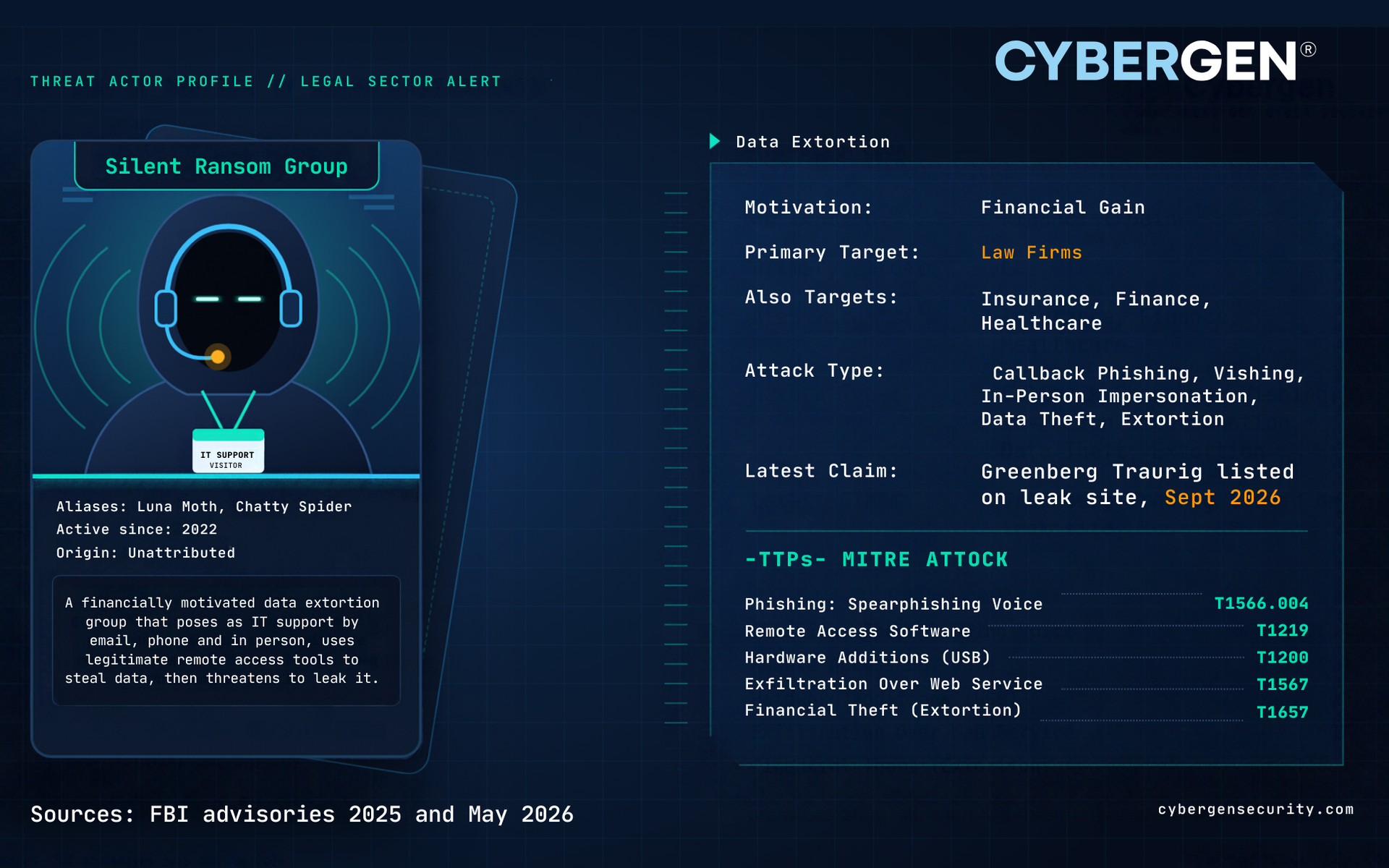
Greenberg Traurig is the latest law firm hit as Silent Ransom Group targets the legal sector. Learn how these attacks work and how to protect your firm.

Glowing digital hand touching a touchscreen, with white connection lines and blue tech background
September 24, 2026
Non-human identities now outnumber employees by 50 to 1. Discover the risks of API keys, service accounts and AI agents, and how to secure them.

Blue skull with “RANSOMWARE” text and glowing digital lock icon on a dark cyber background
September 22, 2026
UK ransomware payment ban explained. Discover what public sector and CNI organisations need to do now to strengthen resilience, recovery and incident response.
Analytics dashboard with teal area chart, key metrics cards, and a task list sidebar
September 18, 2026
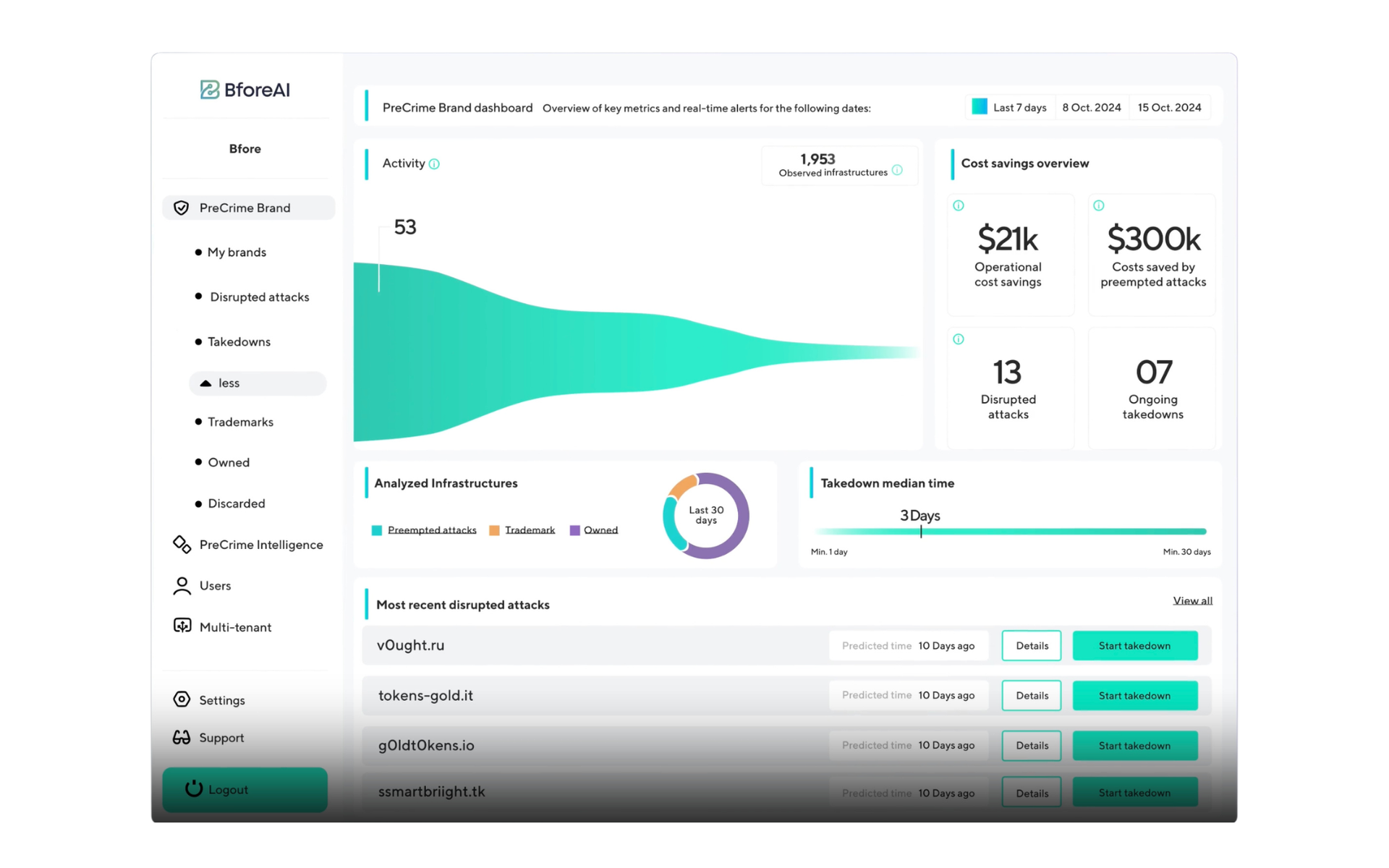
Manual phishing and domain takedown investigations cost security teams hundreds of hours a year. See how BforeAI's PreCrime™ predictive cybersecurity platform, available in the UK exclusively through Cybergen, detects and automates takedown of weaponized and impersonated domains before they cost you time or money.
Thales logo on a blue gradient background with a circular technology infographic on the right
September 16, 2026
Nearly 40% of live APIs carry multiple authentication risks, and sensitive data hidden inside tokens is getting worse, not better. See how Thales's API Security, CipherTrust, and identity stack, delivered in the UK through Cybergen, closes the gap that point solutions leave open.